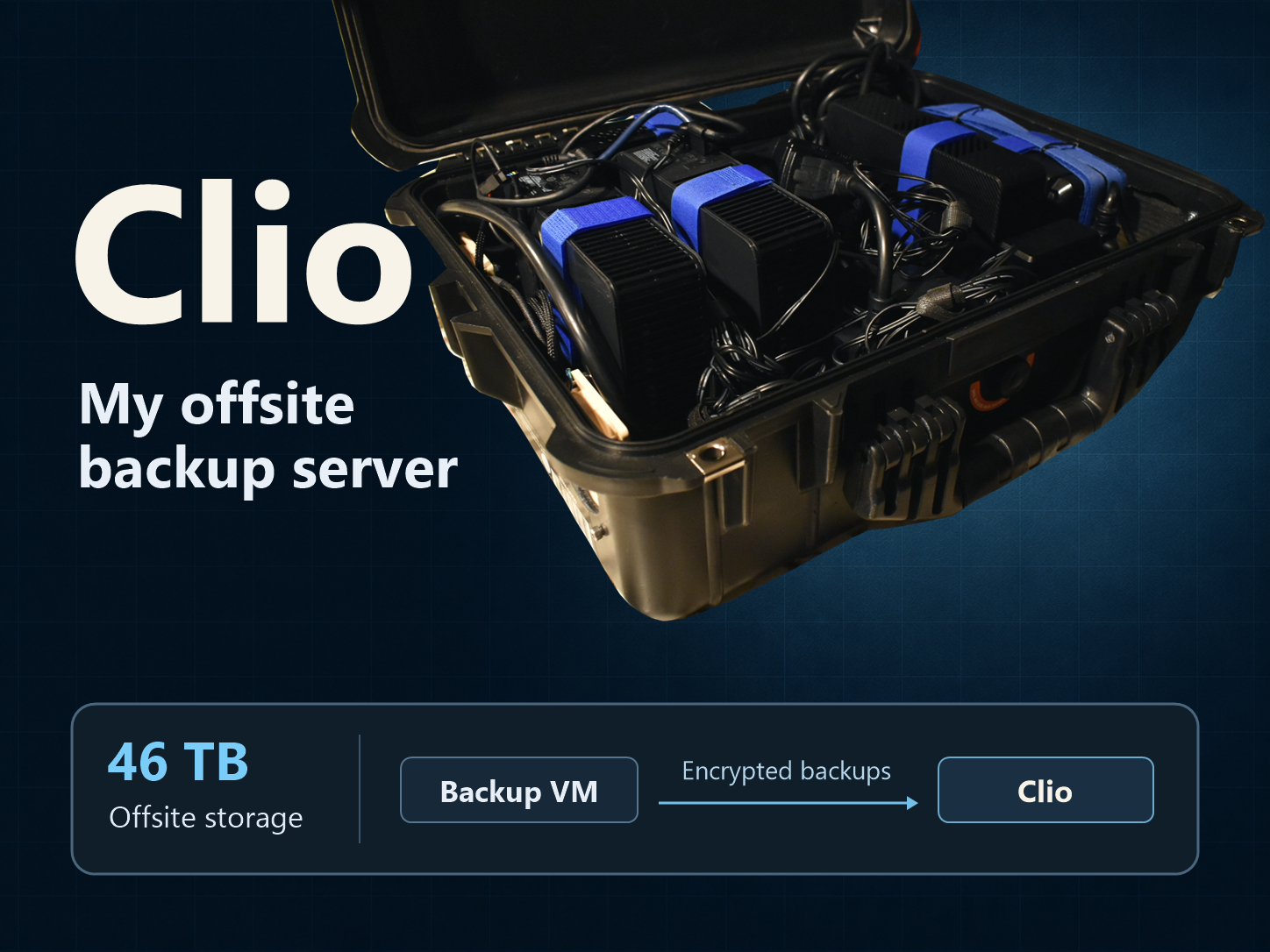
I’m happy to pay Backblaze to keep a copy of the data I’d have the hardest time replacing. I also have a lot of data I could replace if I had to, but it would be a pain. I wanted an offsite copy of that too, without putting all of it on my Backblaze bill. I built Clio, a backup server I can pick up and carry home in a hard case.
The idea was to follow the 3-2-1 backup rule for my most important data. I named the box after Clio, the Greek muse of history. She’s often shown with a scroll, which seemed fitting for a box that keeps old copies of things. Clio at Thorvaldsens Museum
One VM runs the backups
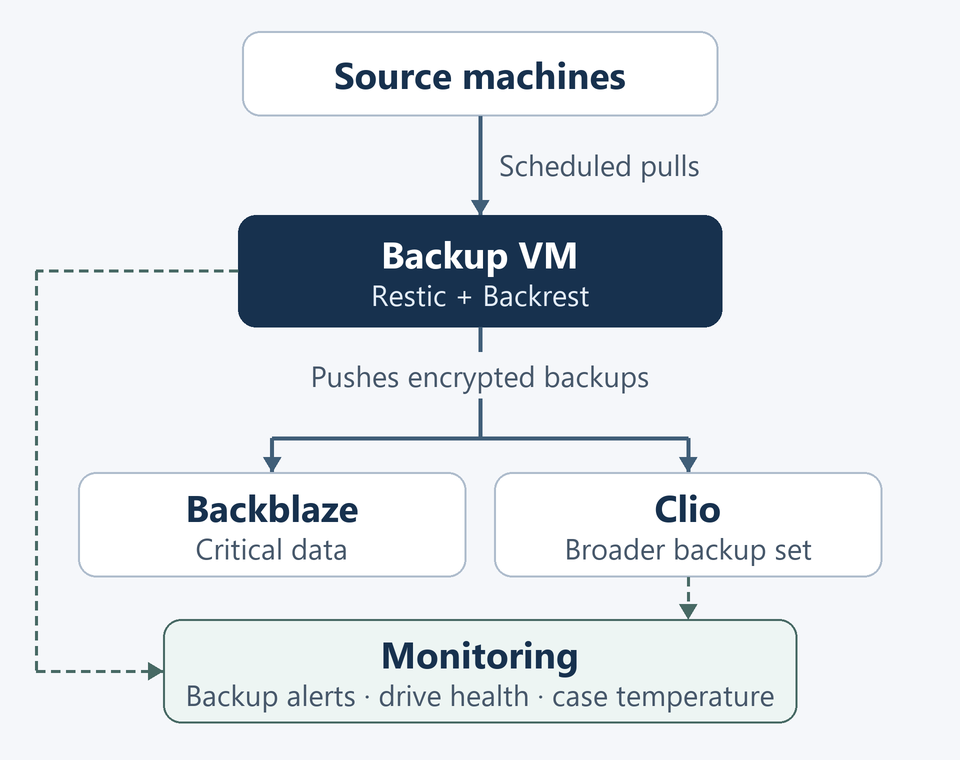
I went through a couple of homegrown backup scripts before settling on one VM on my main machine. It pulls media, personal files, and project data from several machines. Restic creates the encrypted backups, and I use a customized Backrest fork to manage the sources and destinations and run the jobs. Having them in one place made it easier to schedule backups and set up alerts.
Clio gets the broader set of backups. I send just the most critical data to Backblaze, on a less frequent schedule. Backrest sends me alerts through Telegram, and I built an MQTT integration so I can see backup status in Home Assistant.
Packing 46 TB into a hard case
Clio has about 46 TB of usable storage across individual drives, with no RAID. If I lose a drive, I can rebuild the backups that were on it from the source data. I care about finding out when that happens, so Clio sends regular SMART checks to my monitoring system. I also put a TEMPer sensor inside the case so I can get an alert if it gets too warm. Case temperature has been fine so far.
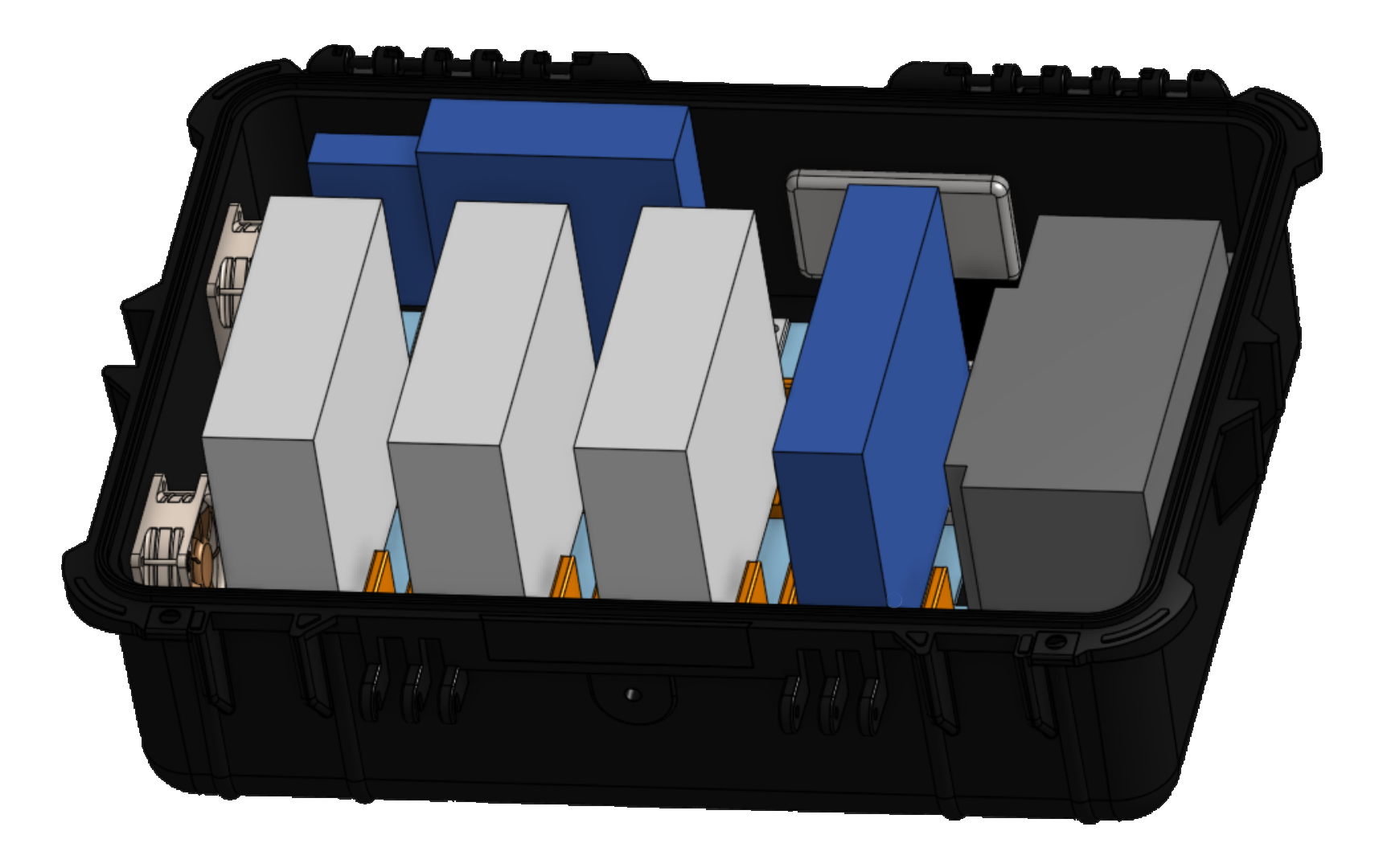
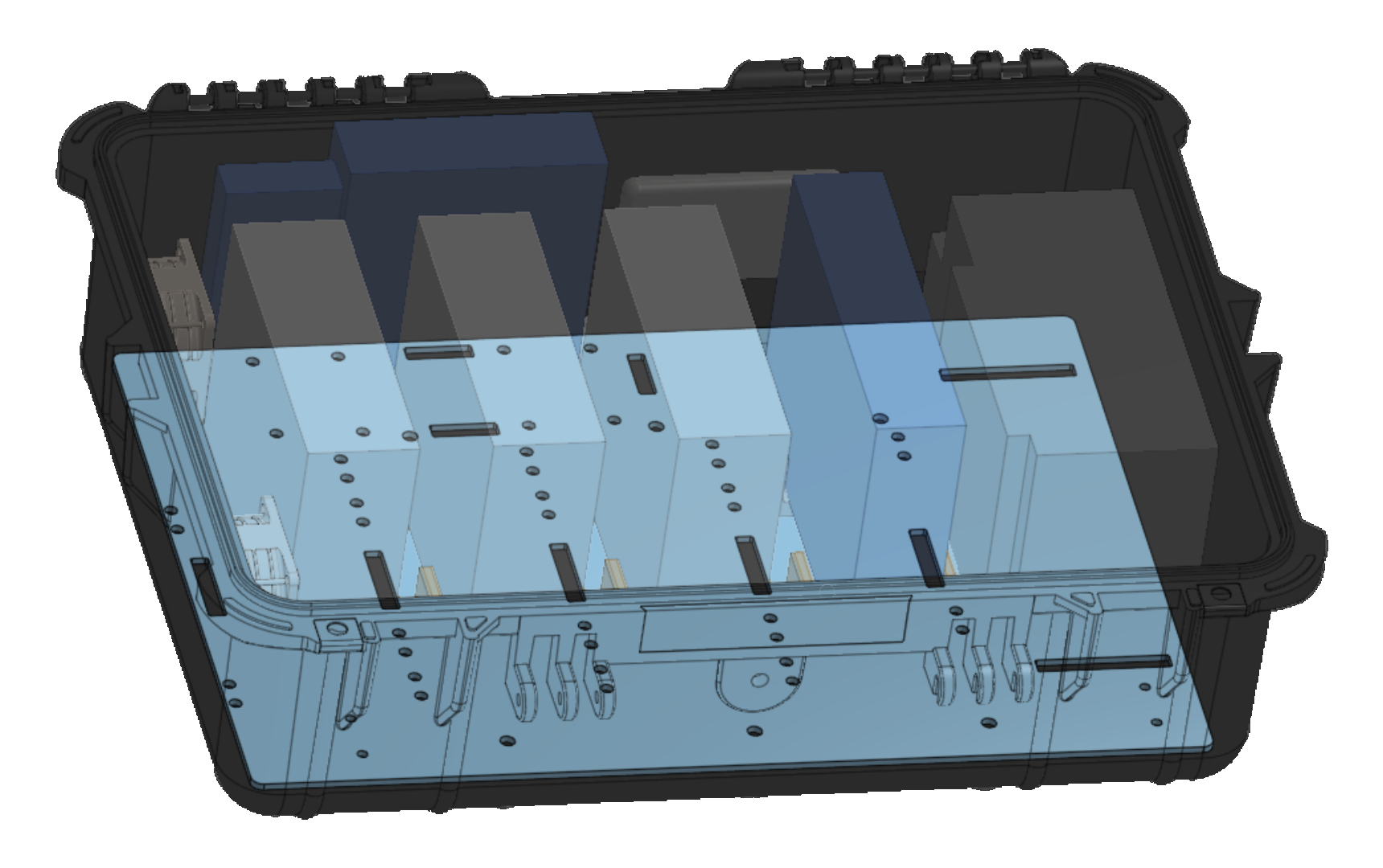
I laid out the hardware in CAD and had a custom mounting plate laser-cut. I left the right-angle USB plugs on the hard drives out of the model, and the clearance ended up tighter than I’d planned. I got it to fit, but next time I’m modeling the plugs too.
What happens when I unplug it
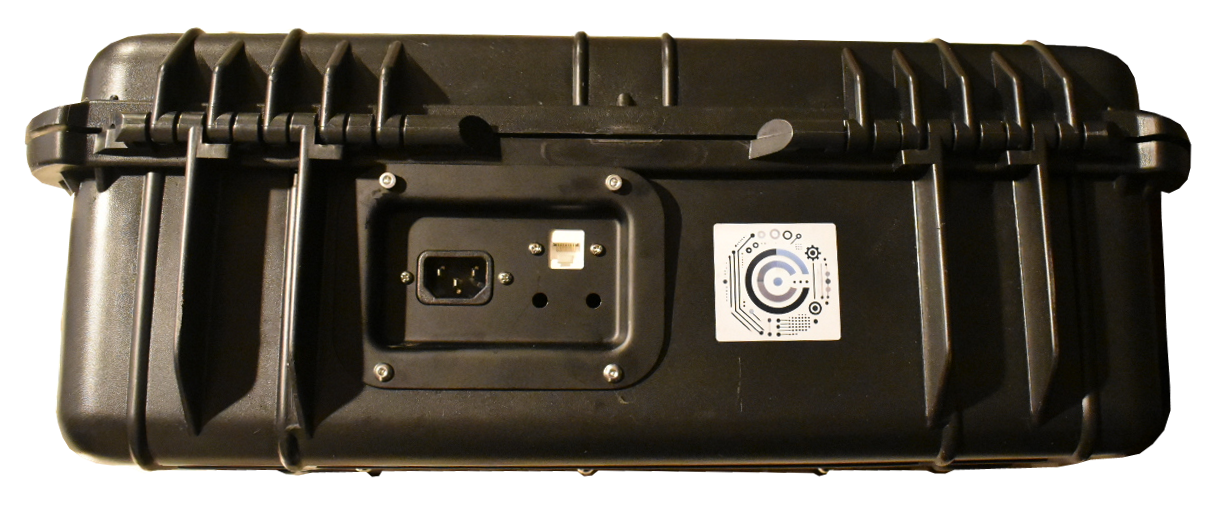
A basic UPS gives the NUC time to shut down. The Arduino gets power from a split before the UPS, and a USB power blocker keeps the NUC from powering it over USB. When incoming power goes away, the Arduino drops off the USB serial port. The NUC notices the device is gone and starts a clean shutdown while it’s still on battery. The unplug and restart behavior has been consistent in my tests.
Clio also checks whether it’s on my local network. It leaves WireGuard off at home and tries to bring it up when it’s away.
How it’s gone so far
It’s been running consistently, and having the extra copy gives me some peace of mind. I also got the drives before prices went up. I haven’t done a restore yet. For a big one, the plan is to bring the whole case home and restore over the local network. That’s why I wanted something I could carry in the first place.